How to sign a document with an ID card in Slovakia?
ARTICLE OVERVIEW:
- What is a Qualified Electronic Signature (QES)?
- What components do you need to create a Qualified Electronic Signature?
- Is a Qualified Electronic Signature (QES) equivalent to a notarized signature?
- Do I have to pay to create a QES?
- How to sign a document with a QES using an ID card?
1. What is a Qualified Electronic Signature (QES)?
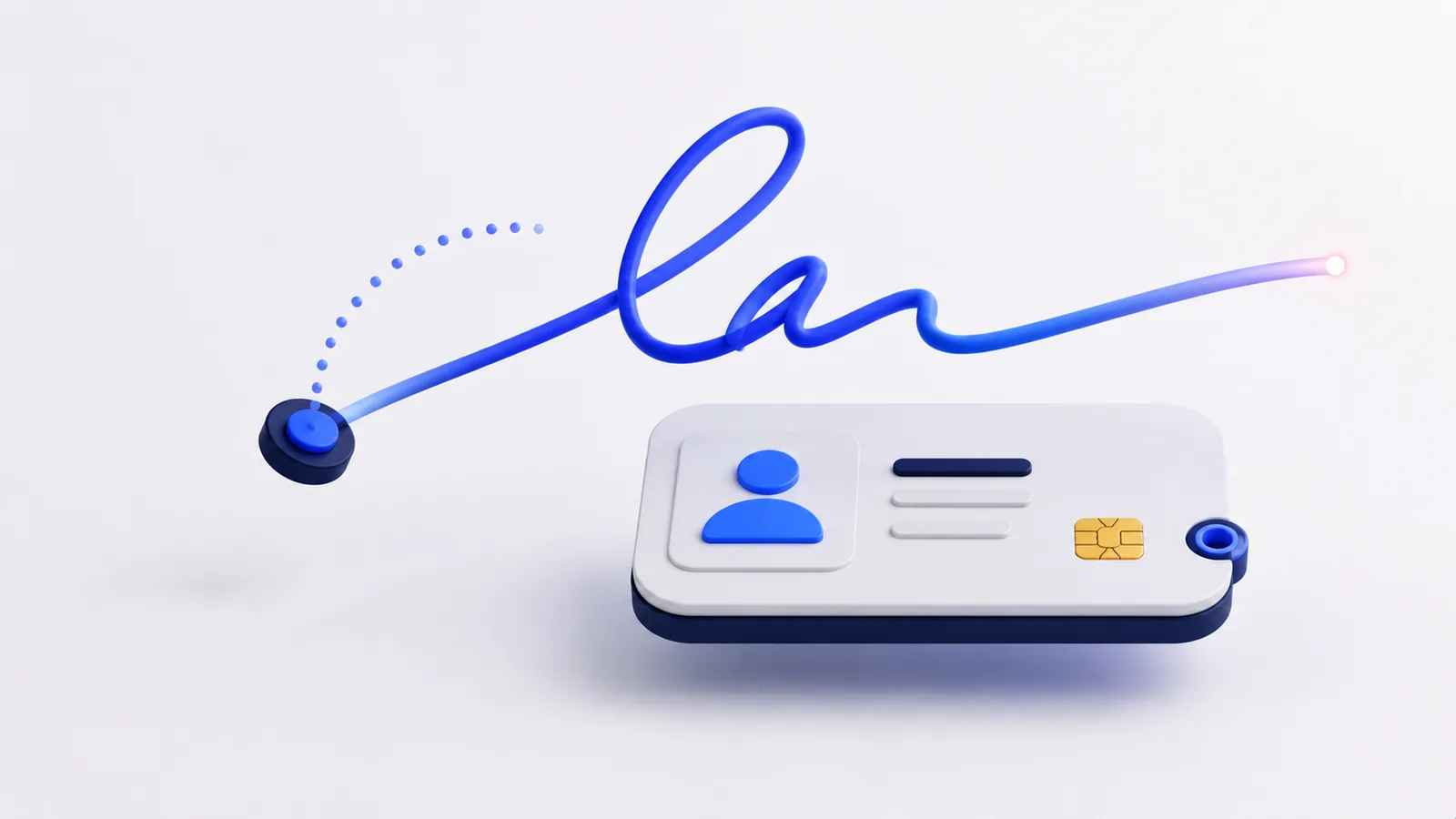
A Qualified Electronic Signature (QES) is the equivalent of a handwritten signature, used to confirm legal acts in paper form. A Qualified Electronic Signature is used to authorize legal acts in electronic form when communicating with public authorities or commercial entities.
2. What components do you need to create a QES?
To sign a document, e.g., a PDF contract, with a Qualified Electronic Signature, you need the following components:
- an ID card with a chip, on which certificates are activated:
- a smart card reader
- the relevant software installed
3. Is a QES signature equivalent to a signature certified by a notary?
Qualified Electronic Signature - A QES is equivalent to and has the same legal force as a signature certified by a notary. This is only valid if you created the QES together with a qualified timestamp. According to Section 40, Paragraph 5 of Act No. 40/1964 Coll., the Civil Code, as amended, signature authentication is not required in such a case.
You can sign a document with a QES and timestamp for free on the QES portal.
4. Do I have to pay to create a QES?
No, creating a QES is free, however, the issuance of an ID card with a chip is subject to a one-time fee of €4.50. The ID card with a chip is issued within 30 days of application.
This way, you don't have to go to a notary for signature authentication and pay for each signature certification; instead, you can create your signature electronically and for free, with the same legal force.
5. How to sign a document with a QES?
You can sign the document according to the instructions in the attached video. To create a signature, you must have an ID card with a chip, a smart card reader, and the relevant software installed. You can create the signature on the QES portal.